Desktop controls
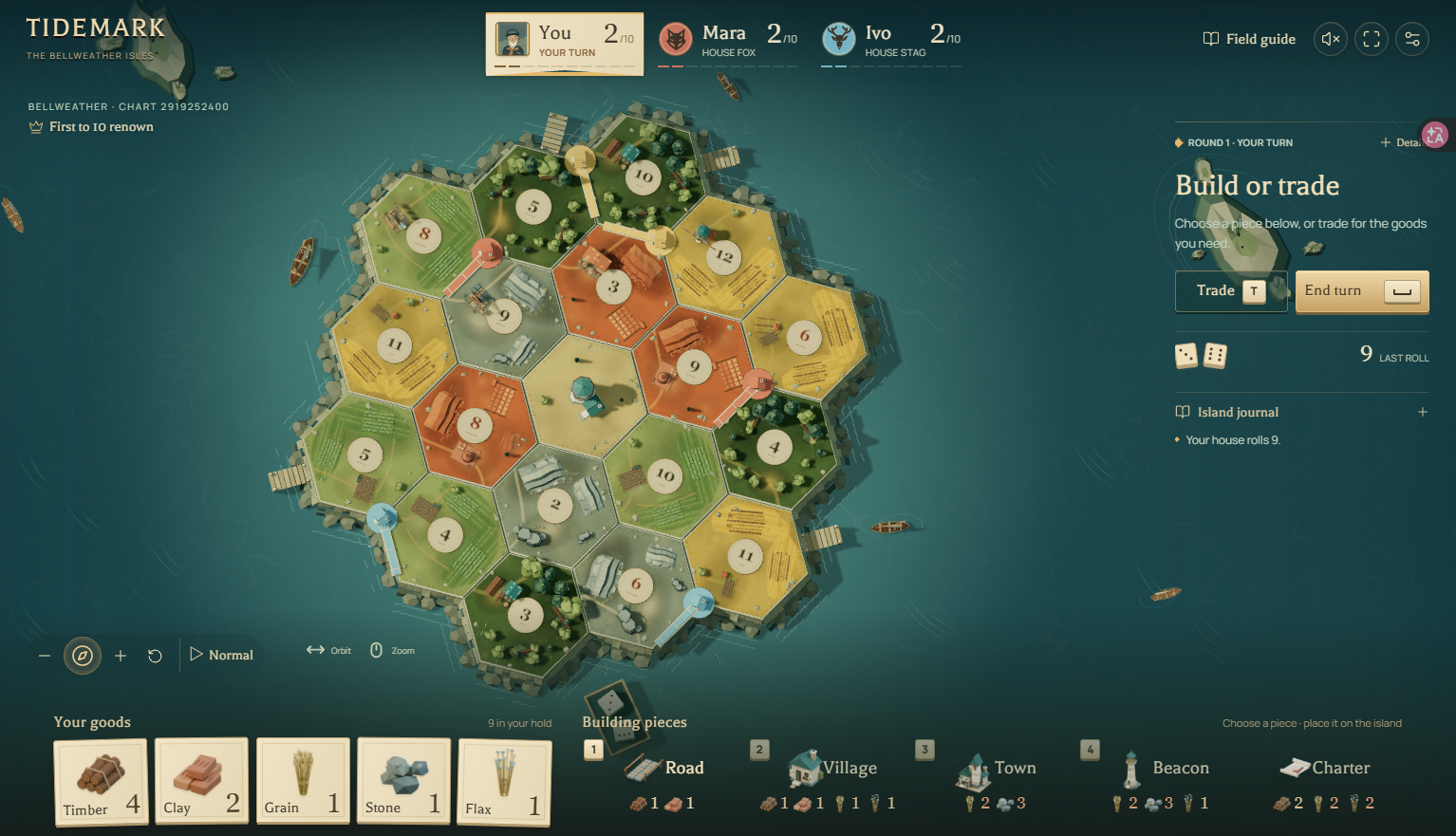
| Input | Action |
|---|---|
| Drag / mouse wheel | Orbit the island / zoom |
| 1 / 2 / 3 / 4 | Select road / village / town / beacon |
| T | Open trade |
| Space | Roll or advance the turn, depending on phase |
| Esc | Cancel or pause |
| Compass / overhead button | Toggle the overhead view |
Desktop fullscreen is the recommended presentation. Use Details and placement lists if legal junctions are hard to distinguish on the island.
Mobile and accessibility options
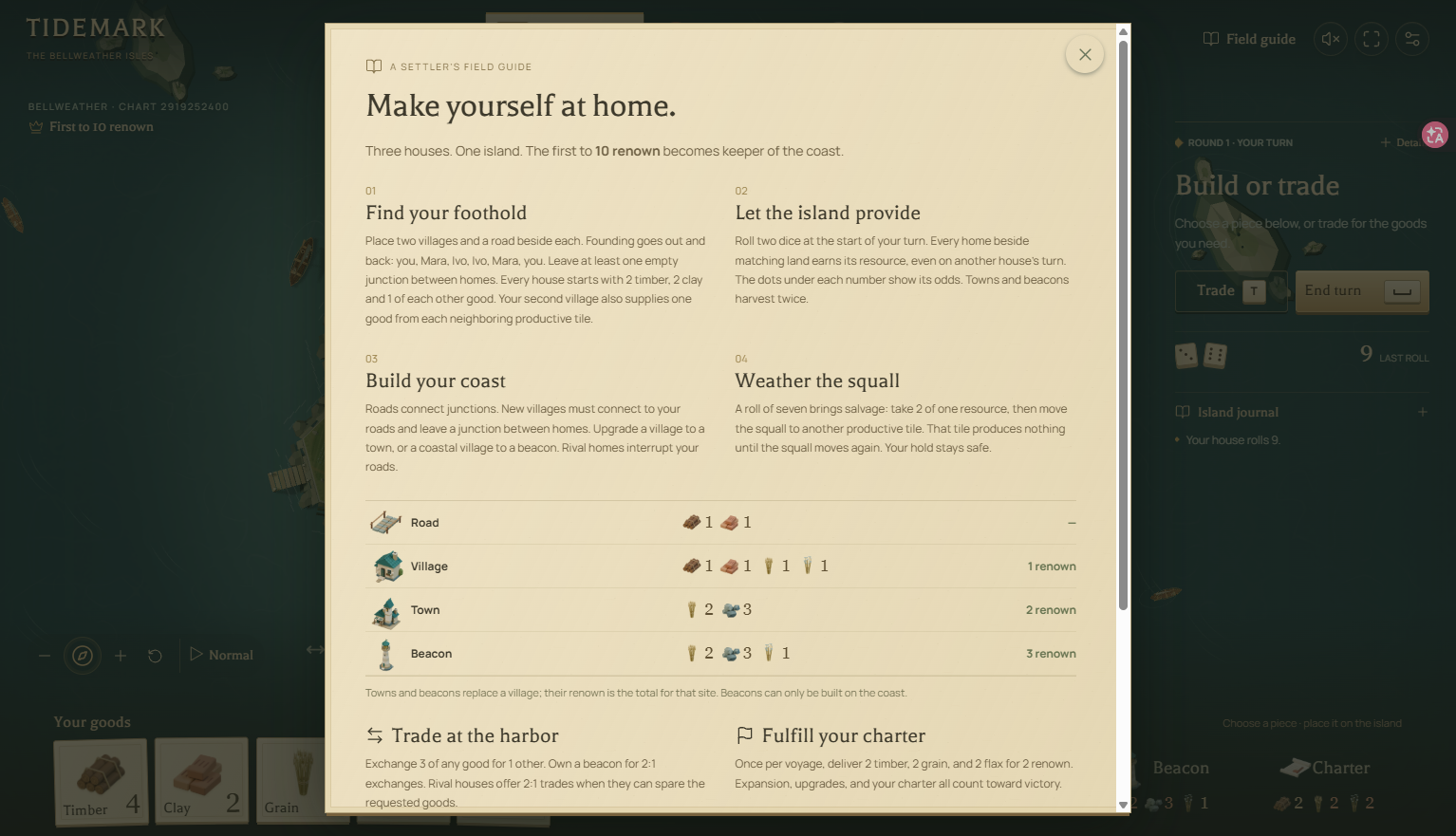
On touch screens, tap a site to preview it, then confirm the placement. Use two fingers to pan and pinch to zoom. The mobile layout is supported, although the creator describes further device testing as ongoing in version 0.8.2.
Optional guidance, a field guide, Normal/Fast presentation pace and reduced motion are available. Fast changes the presentation pace. Captain portrait and color choices do not change the rules.
Where your progress lives
The game saves after moves in the browser on the current device. It does not synchronize progress across devices. Continue using the same browser profile when you want to resume a voyage.
Clearing site data can remove browser-stored progress. A chart number preserves the island choice, not your resources, buildings or current turn. Save the chart number together with the landscape if your aim is to replay the geography.
Videos and the playable version
There is no verified standalone Tidemark — The Bellweather Isles trailer in this guide yet. To see the actual version 0.8.2 board, open the creator’s playable browser game ↗ and choose Run game, then Field guide or Begin voyage.
For the first match, follow your first voyage. The building reference is useful to keep beside the game.